
Reviews
Sprunki DX Music Creator Online stands out for its accessible design and creative freedom. With seven characters and a variety of sound pictograms, players can experiment with beats, melodies, and effects without any time limits or scores. The intuitive drag-and-drop interface works smoothly on both desktop and mobile devices. Saving and sharing compositions adds social value, making it a great tool for casual fun or musical exploration.
About this game
Game Introduction
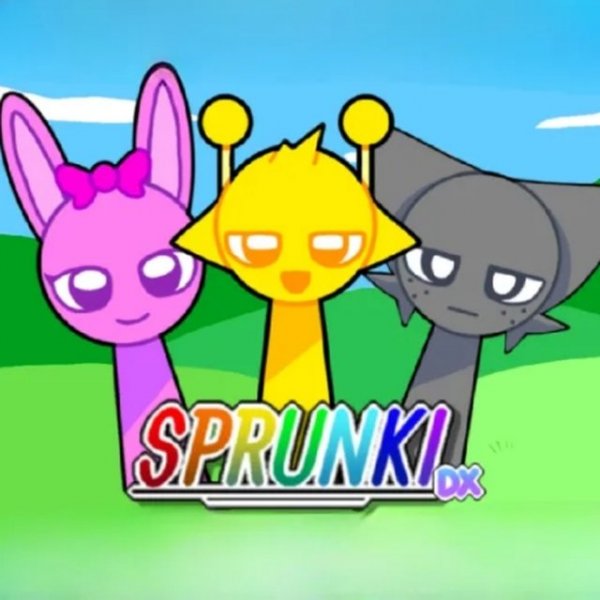
Sprunki DX Music Creator Online is a browser-based music creation tool that turns anyone into a composer. The game presents a stage with seven colorful characters, each associated with a set of sound pictograms. These pictograms represent different musical elements such as beats, melodies, basses, and effects. Players drag these icons onto the characters to activate sounds, building layered tracks through experimentation. The core objective is to explore sound combinations without time limits or scores, making it suitable for casual players and aspiring musicians. What makes this game unique is its focus on creativity and freedom. There are no wrong moves, and players can remove or replace sounds at any time. The game runs smoothly on PCs, mobile phones, and tablets using HTML5 technology, so no downloads or installations are required. This accessibility allows users to start creating music instantly from any device with a modern browser. The interface is intuitive, with visual feedback for each sound activated, encouraging players to try new combinations and discover unexpected rhythms. Whether you have musical training or not, Sprunki DX Music Creator Online provides a playful environment to experiment with sound and composition.
How to Play
To begin, select one of the seven characters on the stage. Below each character, you will see a set of pictograms representing various sounds like beats, melodies, and effects. Drag any pictogram onto the character to activate that sound. You can repeat this for each character, mixing and matching sounds to build your track. If you want to change a sound, simply drag a different pictogram onto the same character to replace it. You can also temporarily turn off a sound by clicking on the character. This allows you to isolate parts of your mix and fine-tune the overall composition. Use your mouse on a computer or your finger on a touchscreen to control everything. Once you are satisfied with your creation, you can save it and share it with friends. The game encourages trial and error, so feel free to experiment with different combinations until you find a mix you like.
Game Features
Creative sound mixing with seven unique characters, each offering different sound options. Easy drag-and-play controls that work on both mouse and touchscreen devices. Save your music compositions and share them with others. Full screen support for an immersive experience. No time limits or scores, allowing players to focus on exploration and creativity. The game runs on HTML5 technology, making it compatible with PCs, mobile phones, and tablets without any downloads. Players can remove or replace sounds at any time, and use a mute feature to isolate tracks during editing.
Tips for Success
Experiment freely with different sound combinations to discover unique rhythms. Start with a simple beat, then gradually add melodies and effects to build complexity. Use the mute feature to isolate individual tracks and fine-tune your mix. Save your progress often to avoid losing creative ideas. Share your creations with friends for feedback and inspiration. The more you experiment, the more you will learn about how different sounds work together.


Comments
Sign in to leave a review
No account? Create one
No comments yet.