
Reviews
Sprunki Music Maker offers a simple yet powerful music creation experience. The interactive sound icons make it easy to build melodies, while the character animations add a visual reward. It runs smoothly on any device without downloads. The community sharing feature is a nice touch, allowing you to get feedback and discover new ideas. Perfect for casual fun or creative exploration.
About this game
Game Introduction
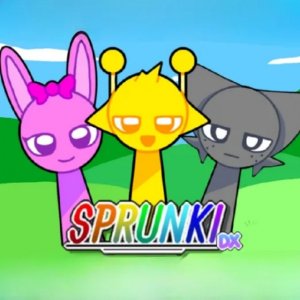
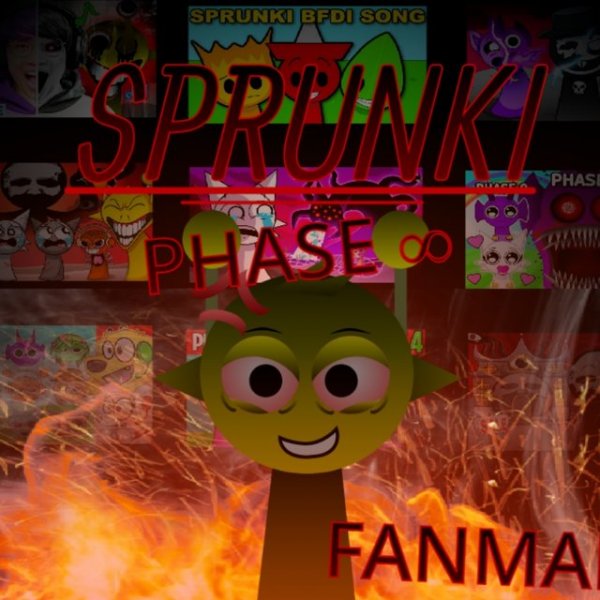
Sprunki Music Maker is an online music creation game that allows players to compose original tunes using interactive sound icons. Each icon adds a specific sound to your composition and brings a character to life with a unique animation. Designed for players of all skill levels, from beginners exploring rhythm to experienced creators looking for a quick and fun way to make music, the game provides a safe and creative environment for musical expression. You can combine multiple sounds to build complex melodies and harmonies. Once you finish a piece, you can save it and share it with the community. The game runs smoothly on PCs, mobile phones, and tablets without any downloads.
How to Play
To start, open the game in your browser. You will see a set of icons on the screen. Each icon represents a different musical sound. Click an icon to add that sound to your composition. You can add one sound at a time or combine several sounds by clicking multiple icons. As you add sounds, the characters on the screen begin to move and animate in response to the music. Try different combinations to discover new rhythms and melodies. If you want to remove a sound, click the icon again. When you are satisfied with your creation, use the save button to store it. You can then share your saved melody with the community to get feedback and inspire others. The controls are simple and intuitive, so you can focus on making music.
Game Features
Interactive sound icons that let you build melodies easily. Character animations that respond to each sound you add. Community sharing feature to save and showcase your compositions. Cross-platform play on PC, mobile, and tablet browsers. No downloads or installations required. Family-safe content with no violence or inappropriate themes.
Tips for Success
Experiment with different combinations of sound icons to discover unique rhythms and harmonies. Start with a simple melody and gradually layer additional sounds to build complexity. Listen carefully to how each new sound interacts with the existing composition. Use the community sharing feature to get feedback from other players and learn new techniques. Practice regularly to improve your timing and creativity. Don't be afraid to delete and redo sections until you are satisfied with your creation.








Comments
Sign in to leave a review
No account? Create one
No comments yet.