
Reviews
Sprunki Craft Music Creator offers a unique blend of music creation and pixel art visuals. The drag-and-drop mechanics are intuitive, allowing players to layer sounds and build melodies effortlessly. The two-player mode adds a fun competitive twist. The game is browser-based and works on all devices, making it accessible. Its family-friendly design ensures a safe experience for players 12 and up.
About this game
Game Introduction
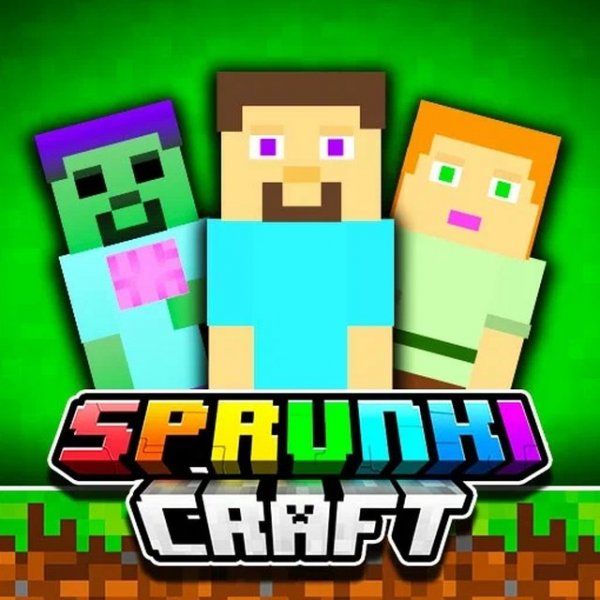
Sprunki Craft Music Creator is a web-based game that combines music creation with pixel art visuals. The core idea is simple: you choose appearance icons and drag them onto gloomy characters on the screen. Each icon changes the character's look and adds a unique sound to your composition. As you add more icons, the sounds layer together, forming a melody that grows richer and more complex. Released in December 2024 by TwoPlayerGames, this game is designed for all modern browsers and devices. It supports full-screen play for an immersive experience and is rated for ages 12 and up. Whether you are new to music creation or experienced, Sprunki Craft offers a playful way to experiment with sound and visuals.
How to Play
To play Sprunki Craft Music Creator, use your mouse to control the game. Start by selecting appearance icons from the available options on the screen. Drag each icon onto one of the gloomy characters. When a character receives an icon, its appearance changes and it begins to make a sound. Try different combinations to layer sounds and create your own melody. The more sounds you add, the more complex and unique your composition becomes. You can play solo to explore on your own or try the two-player mode to challenge a friend. In two-player mode, you can compare creative results and see who crafts the best tune. The game is intuitive, so you can start mixing sounds right away without any tutorials.
Game Features
Creative sound mixing: Combine different sounds by dragging icons onto characters. Pixel art graphics: Enjoy vibrant, retro-style visuals that make the game appealing. Two-player mode: Play with a friend and compare your musical creations. Full-screen support: Immerse yourself in the game on any device. Browser-based: No downloads needed; works on all modern browsers. Family-friendly: Suitable for players ages 12 and up with no inappropriate content.
Tips for Success
Experiment with different icon combinations to discover new sounds and melodies. Start with a few characters and gradually add more to build a layered composition. Listen carefully to how each sound blends with others, and adjust your choices to create a harmonious tune. If playing with a friend, take turns adding sounds and compare your final creations to learn from each other. Practice regularly to become more efficient at mixing and to develop your musical ear.










Comments
Sign in to leave a review
No account? Create one
No comments yet.