
Reviews
Sprunki Retrowave Music Game offers a unique and engaging way to create music online. The drag-and-drop interface is intuitive, allowing players to experiment with different character skins and layer sounds. The horror mod adds a nice twist for variety. It runs smoothly on any device without downloads, making it accessible for quick creative sessions. A great choice for music lovers and casual gamers alike.
About this game
Game Introduction
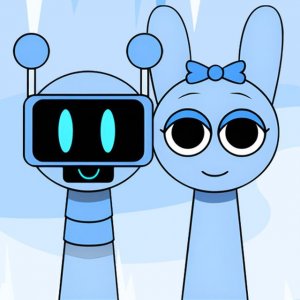
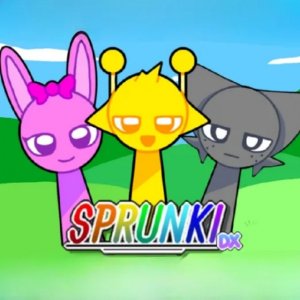
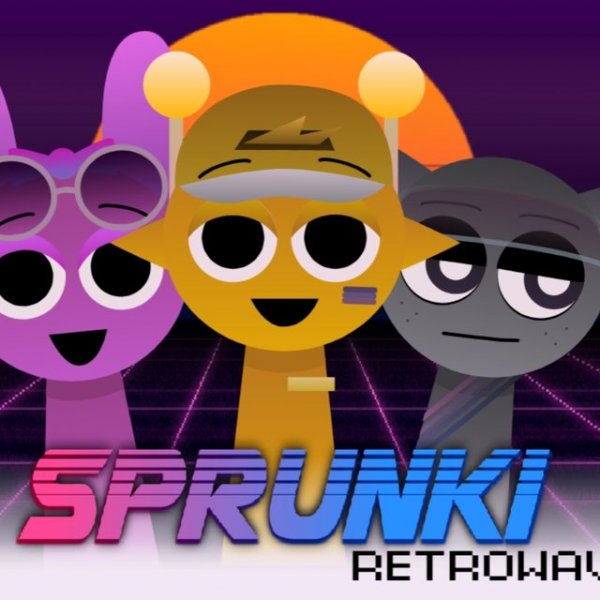
Sprunki Retrowave Music Game is an interactive online experience where players become music composers. The game presents a stage filled with gray figures. By selecting different skins from a menu, these figures transform into colorful retro musicians. Each musician contributes a unique musical motif that plays when placed on the stage. Players can drag and drop characters to arrange them, layering sounds to create original retrowave melodies. A special black hat skin activates a horror mod, changing the visual theme to an apocalyptic style and altering the music accordingly. Designed for creative players aged 12 and up, this HTML5 game works on all modern browsers and devices without any downloads. It supports full-screen mode for an immersive creative session.
How to Play
To play, start by looking at the bottom menu where different skins are available. Click or tap on a skin to apply it to a gray figure, turning it into a retro musician. Each musician has a unique sound that plays when placed on the stage. Experiment with different combinations by dragging characters to various positions. Add or remove musicians to change the melody. For a different experience, select the black hat skin to activate the horror mod, which changes the visuals and music to a darker theme. The game is controlled with mouse clicks on a computer or touch inputs on mobile devices and tablets. No downloads are needed; just open your browser and start creating music.
Game Features
Retrowave music creation with multiple character skins. A horror mod for a different visual and audio experience. Full-screen support for an immersive session. Works on PC, mobile phones, and tablets without downloads. Simple drag-and-drop interface suitable for all ages.
Tips for Success
Experiment with different skin combinations to discover new melodies. Try layering multiple musicians to create richer soundscapes. Use the horror mod for a change of pace. Practice arranging characters in different orders to see how the music evolves. Take advantage of full-screen mode for a more focused creative session.







Comments
Sign in to leave a review
No account? Create one
No comments yet.