Sprunki 3D Music Creator
Review
Sprunki 3D Music Creator offers a unique way to make music by transforming gray characters into vibrant performers. The controls are intuitive, the visuals are charming, and the lack of pressure makes it ideal for relaxation. It works smoothly on any device, making it accessible for everyone. Highly recommended for creative play.
Faq
About This Game
Game Introduction
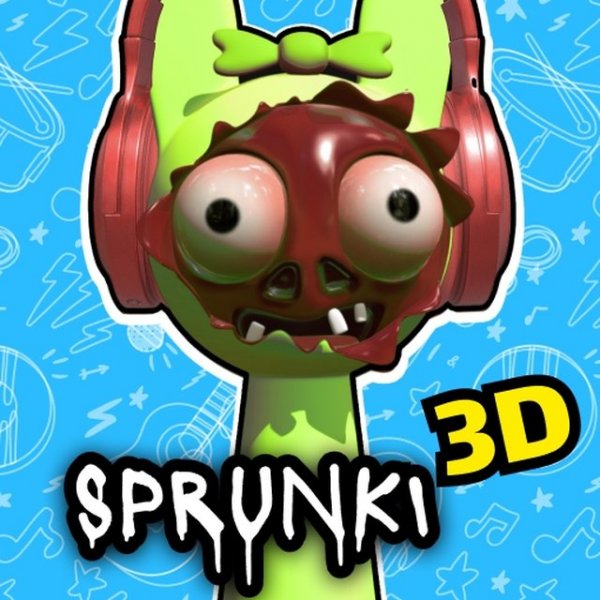
Sprunki 3D Music Creator is a cheerful and creative experience for music lovers of all ages. In this game, you start with a group of plain gray characters. By clicking and dragging musical icons onto them, each character transforms into a vibrant performer with a unique sound. This process lets you build your own musical composition piece by piece. The game encourages experimentation and relaxation, making it perfect for anyone who wants to enjoy making music without any pressure. The charming 3D visuals and intuitive design ensure that players can jump right in and start creating.
How to Play
Playing Sprunki 3D Music Creator is simple and easy to learn. Use your mouse to control the game. On the screen, you will see several gray characters and a set of musical icons. Click on a musical icon and drag it onto a character. The character will instantly change color and appearance, adding a new sound to your composition. Repeat this with different icons and characters to layer sounds and create a full musical piece. You can try various combinations to discover new visual effects and melodies. The game supports full screen mode and works smoothly on PC, mobile phones, and tablets thanks to HTML5 technology.
Game Features
Creative music gameplay that lets you compose by transforming characters. Colorful character transformations that respond to your choices. Easy mouse controls that make the game accessible for all ages. Full screen mode for an immersive experience. Cross-device compatibility so you can play anywhere.
Tips for Success
Experiment with different icon combinations to discover unique sounds and visual effects. Start by adding one sound at a time to understand how each character contributes to the overall composition. Take your time and enjoy the process—there is no right or wrong way to create music in this game. Try playing on different devices to see how the experience adapts. Most importantly, have fun and let your creativity guide you.
✅ Compatibility & Testing
You May Also Like
Sprunki Mini Games Online Puzzle Game
Sprunki , puzzle , family , kids , casual , online , HTML5
Sprunki Phase 10 Music Maker
Sprunki , music creation , rhythm game , sound mixing , family-friendly
Sprunki Music Maker Online
Sprunki , music creation , online game , sound experiment , family game , creative play
Sprunki Night Melody Game
Sprunki , music game , creative , family friendly , melody , casual
Sprunki Music Show Arcade
Sprunki , music show , arcade , creative , fun , family
Sprunki Clicker Adventure
Sprunki , clicker game , casual game , upgrade game , idle game , family game
Sprunki Phase 8 Music Creator
Sprunki , music creation , browser game , composition tool