Review
The Music Trivia Quiz Challenge offers a straightforward and enjoyable experience for music lovers. The three categories provide a good variety of songs, and the retry option helps players learn from mistakes. The lack of time pressure makes it a calm activity. The audio is clear, and the interface is simple. It is a solid choice for casual play or quick music trivia sessions.
Faq
About This Game
Game Introduction
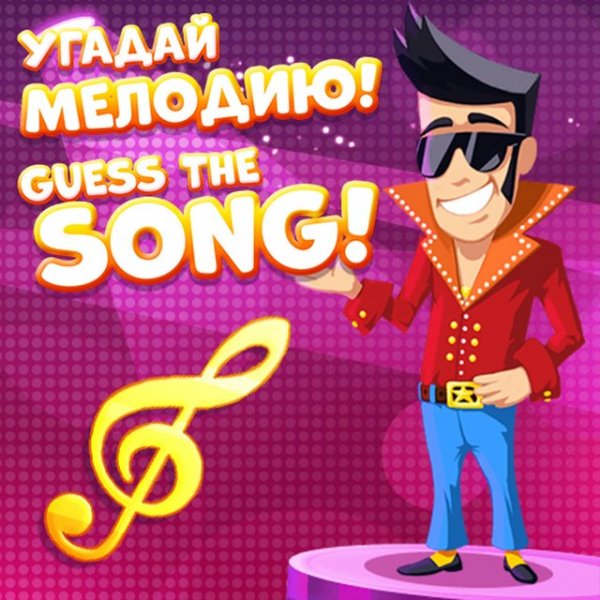
The Music Trivia Quiz Challenge is an online game that presents players with short audio clips of popular melodies. The core objective is to identify the song that matches each melody. The game organizes its content into three distinct categories: popular melodies, hits from the 1990s, and hits from the 2000s. Each category includes a set of songs, offering a total of 30 songs to guess. This structure provides a balanced mix of classic and more recent music, making the experience enjoyable for a wide range of players. The interface is designed to be clean and easy to navigate, ensuring that both casual players and dedicated music enthusiasts can participate without confusion. The game is suitable for players of all ages and offers a simple, engaging way to test and expand music knowledge. By focusing on melody recognition, the game encourages careful listening and rewards familiarity with different musical eras.
How to Play
To begin, players select one of the three music categories from the main screen. A melody then starts playing automatically. After listening, four icons appear, each showing a possible song title. Players click on the icon that they believe corresponds to the melody they heard. A correct answer awards points, while an incorrect answer results in a deduction of 10 points. Players can retry the same song until they guess it correctly. The goal is to complete all songs in the chosen category. The final score reflects both accuracy and persistence, as players can continue attempting songs they initially missed.
Game Features
The Music Trivia Quiz Challenge is a family-friendly music quiz suitable for all ages. It includes three distinct categories, each with a set of songs. The interface uses a simple click-to-answer system. A points system rewards correct answers and provides feedback on incorrect guesses. A retry option allows players to attempt songs they missed. There is no time pressure, which enables relaxed play. The design is clean, and the audio is clear, making it easy to focus on the melodies.
Tips for Success
Listen carefully to each melody before making a selection. Familiarity with popular songs from each decade can improve guessing accuracy. Take advantage of the lack of a time limit to think through answers. If a song is missed, use the retry option to learn from the mistake and earn points. Regular play can help sharpen music recognition skills over time.
Compatibility
You May Also Like
Sprunki Baby Music Creator
Sprunki , music , creative , casual , browser game , WebGL
Sprunki Clicker Master Arcade
Sprunki , clicker , music , casual , family , arcade
Sprunki Dress Up Music Adventure
Sprunki , dress up , music , creative
Sprunki Melody Maker Online
Sprunki , music , creative , online , browser , casual
Sprunky Music Studio
Sprunki , music , creative
Flippy Rhythm Challenge
Rhythm , Music , Arcade , Casual , Timing , Family
Hazy River Rhythm Challenge
Rhythm Game , Music , Timing
Comments
0 comments